
People have been talking about AI image generators for more than a year, more or less since the first version of Dall-E, and if you’ve been on social media, watched TV or read a magazine, it’s almost impossible that you haven’t seen AI-generated images, more or less unwittingly. They are everywhere, and it’s easy to see why: the tools needed to create them are almost free and available all over the world. In recent months we have tried out the most famous ones, so if you too want to start tinkering with them or add some AI-powered features to your workflows, you can get an idea of where to start from this article:
The best AI image generators
- DALL·E 2: for an easy-to-use AI image generator
- Midjourney: for the best AI image results
- Firefly (Photoshop): for integrating AI-generated images into photos
Before we begin: How do AI image generators work?
All these AI image generators take a text prompt and try to turn it, as well as possible, into a corresponding image. This opens up some surprising possibilities, since your prompt can be anything, from “an Impressionist oil painting of a Canadian man riding a moose through a forest of maple trees” to “a Vermeer-style painting of a large, fluffy Irish wolfhound enjoying a pint of beer in a traditional pub” or “a photograph of a donkey on the Moon”.
The real limits are only your imagination, the AI image generator’s ability to understand your prompt, and any content filters put in place to stop malicious actors from flooding the Internet with violent or not-safe-for-work AI-generated content.
Most AI image generators work in a fairly similar way. Billions of image-text pairs are used to train a neural network (essentially, a very sophisticated computer algorithm loosely modelled on the human brain) on what things are. By allowing the model to process countless images, it learns what a dog is, the colour red, Vermeers and everything else. The next step is to render the AI-generated image. The latest generations of AI image generators do this through a process called diffusion. Essentially, they start from a random field of noise and modify it in a series of steps to make it match their interpretation of the prompt. It’s a bit like looking at a cloudy sky, finding a cloud that vaguely resembles a dog, and then being able to snap your fingers to make it look more and more like a dog.
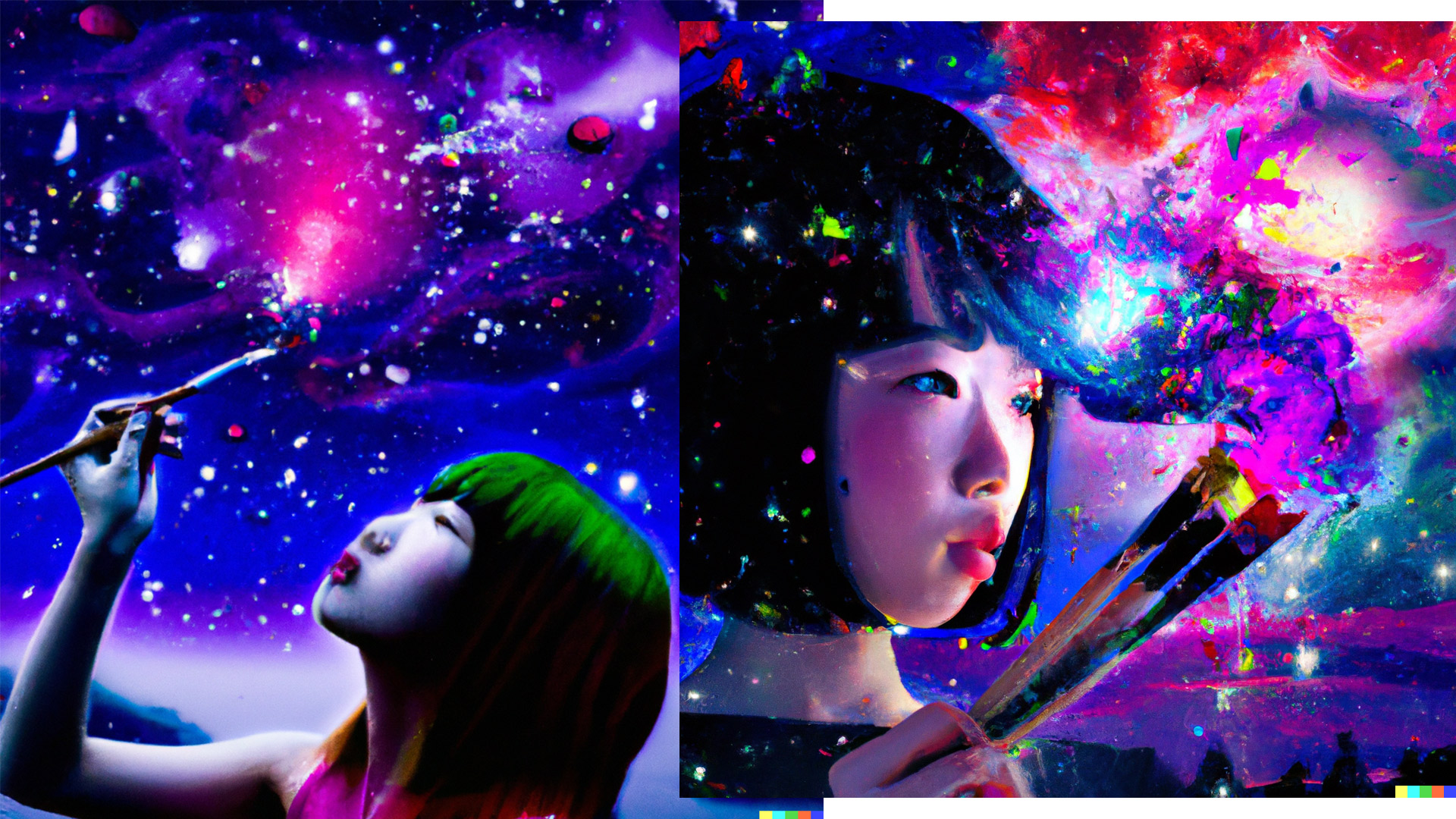
Prompt: “vibrant digital art portrait of a Japanese woman painting his dreams as explosions in a night sky”
The best AI image generator for ease of use: DALL·E 2
DALL·E 2, our pick among the best digital marketing tools for an easy-to-use AI image generator.
pros: Incredibly easy to use; relatively affordable, costing just $0.13 per DALL·E 2 prompt.
cons: Fairly basic; generally produces the least photorealistic results; it no longer offers a free trial.
DALL·E 2 is unquestionably the most famous AI image generator, and with good reason. It was the first AI-powered image generator good enough to create incredibly interesting images and was widely available enough for people to make it go viral. And although first doesn’t necessarily mean best, DALL·E 2 has a lot going for it.
DALL·E 2’s trump card is its ease of use. Write what you want to see, click Generate, and in a few seconds you’ll have four AI-generated variations to choose from. Unfortunately, DALL·E 2 is no longer free to try, but at $15 for 115 credits — which works out at about $0.13 per prompt or $0.0325 per image variation — it’s still worth trying.
Even though it’s very simple to use, DALL·E 2 has some powerful features. The image editor (which is also in beta) lets you add extra generated frames, so you can expand an image, whether you generated it with DALL·E 2 or uploaded it. This technique, called out-painting, means you can create larger AI artworks. There’s also an eraser, so you can remove parts of an image and replace them with AI-generated elements (this technique is called in-painting).
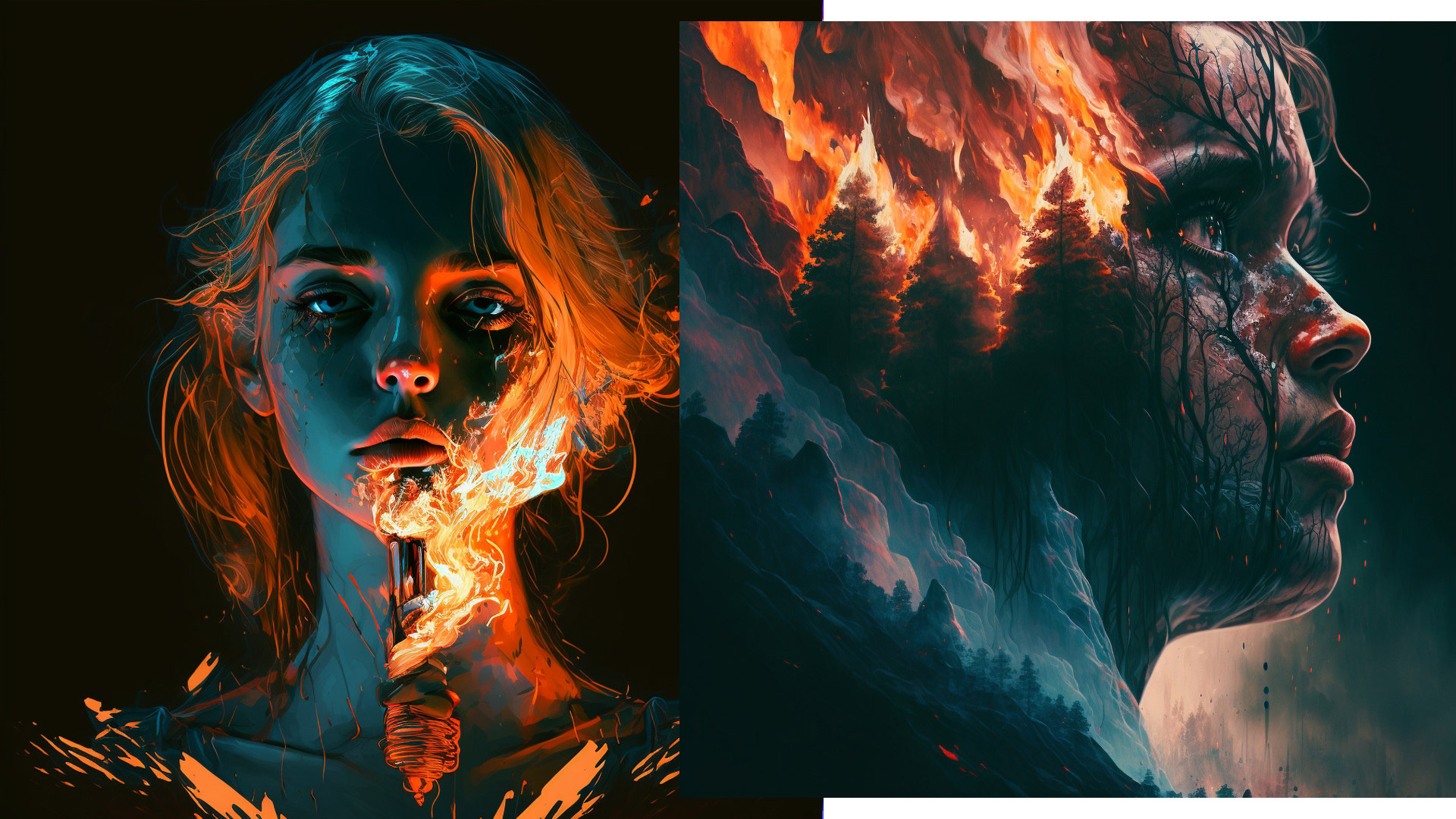
As a prompt, a line by Placebo from “This Picture”: “I hold an image of the ashtray girl / Of cigarette burns on my chest / I wrote a poem that described her world”
The AI image generator with the best results: Midjourney
Midjourney, our pick for the AI image generator with the best results
pros: Produces the best AI-generated images in terms of creative interpretation of the subject and technical possibilities; the community is also a great way to get inspiration on Midjourney.
cons: It can only be used via Discord, which is a bit inconvenient; the generated images are public by default.
The images Midjourney creates look more coherent, with better textures and colours — and overall, the results are simply more interesting and visually appealing. In particular, real-world people and objects look more alive and natural than with other AI image generators, and the latest version can even manage to render hands well, a sore point of the early versions. It is significant that it was the first AI image generator to win an art competition.
The beta version is only accessible via Discord. Once you join Midjourney’s Discord server or invite the Midjourney bot to one you control, you can enter a prompt by typing /imagine [what you want to see]. The bot will then generate four variations of your prompt, which you can download, upscale, re-edit and more.
By default, every image you generate is published publicly on Midjourney’s Discord server. This gives everything an interesting community feel, but it means that anyone who wants to can see what you’re creating. While this isn’t necessarily a problem for artists, it could be a deal-breaker if you’re looking to use Midjourney for commercial purposes.
Midjourney’s documentation is also really good and will guide you through the first steps as well as all its advanced features, such as the different model versions, upscaling images, blending several images and using different parameters to control things. Once you understand the various options, the results you can achieve are truly amazing.
Midjourney’s free trials are currently suspended due to the large number of people trying to use it, but they are occasionally reinstated for a few days. If you miss a free-trial window, the basic plan starts at $10 per month and includes 3.3 hours of GPU time per month, or about 200 images. You also have the option to buy additional GPU time, and you can use your images for commercial purposes.
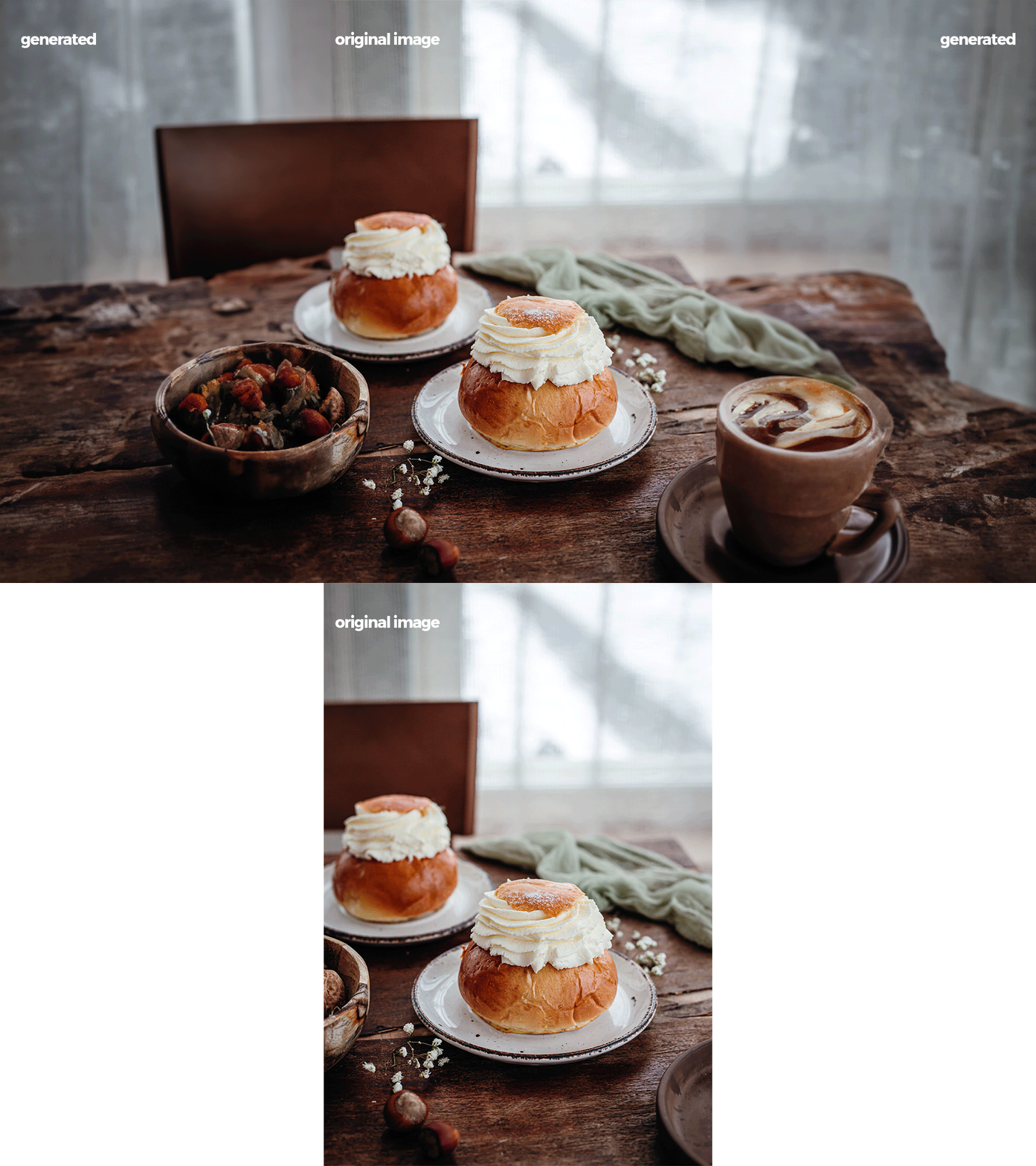
Background generated in Photoshop Beta without any additional editing
Best AI image generator for integrating AI-generated images into photos: Adobe Photoshop (Firefly)
Adobe Firefly is our pick for the best AI image generator for integrating AI-generated images into photos. Although Adobe has been putting AI tools into its apps for more than 15 years, it was only this year that the company released a text-to-image generator, at least in beta. You can try it for free on the web or via Adobe Express, but it’s at its best in the latest Photoshop beta, which you need a Creative Cloud subscription to access.
Adobe’s AI model, called Firefly, has a few tricks up its sleeve. As well as being able to generate new images from a detailed text description, it can create text effects from a written prompt (think of the word “TOAST” written with letters that look like they’re made of toast), recolour vector illustrations or add AI-generated elements to your images. You can try all of this through the web app, but it’s with this last feature that Firefly really stands out.
This particular feature is called Generative Fill. The idea is that you use Photoshop’s regular tools to select an area of your image and then, simply by clicking a button and typing a prompt, you can replace it with something else. Generative Fill understands the context of your image. In the screenshot above, you can see that Photoshop matched the depth-of-field blur and the colours for the castle I added using Generative Fill. It looks cohesive.
As for the text-to-image generator, Firefly’s results can be quite hit-or-miss. It can match or surpass DALL·E 2 or Stable Diffusion for some prompts, but for others, I wonder what it was trying to do. On the other hand, its integration with Photoshop, the industry-standard program for image editing, is on another level.